Authentication
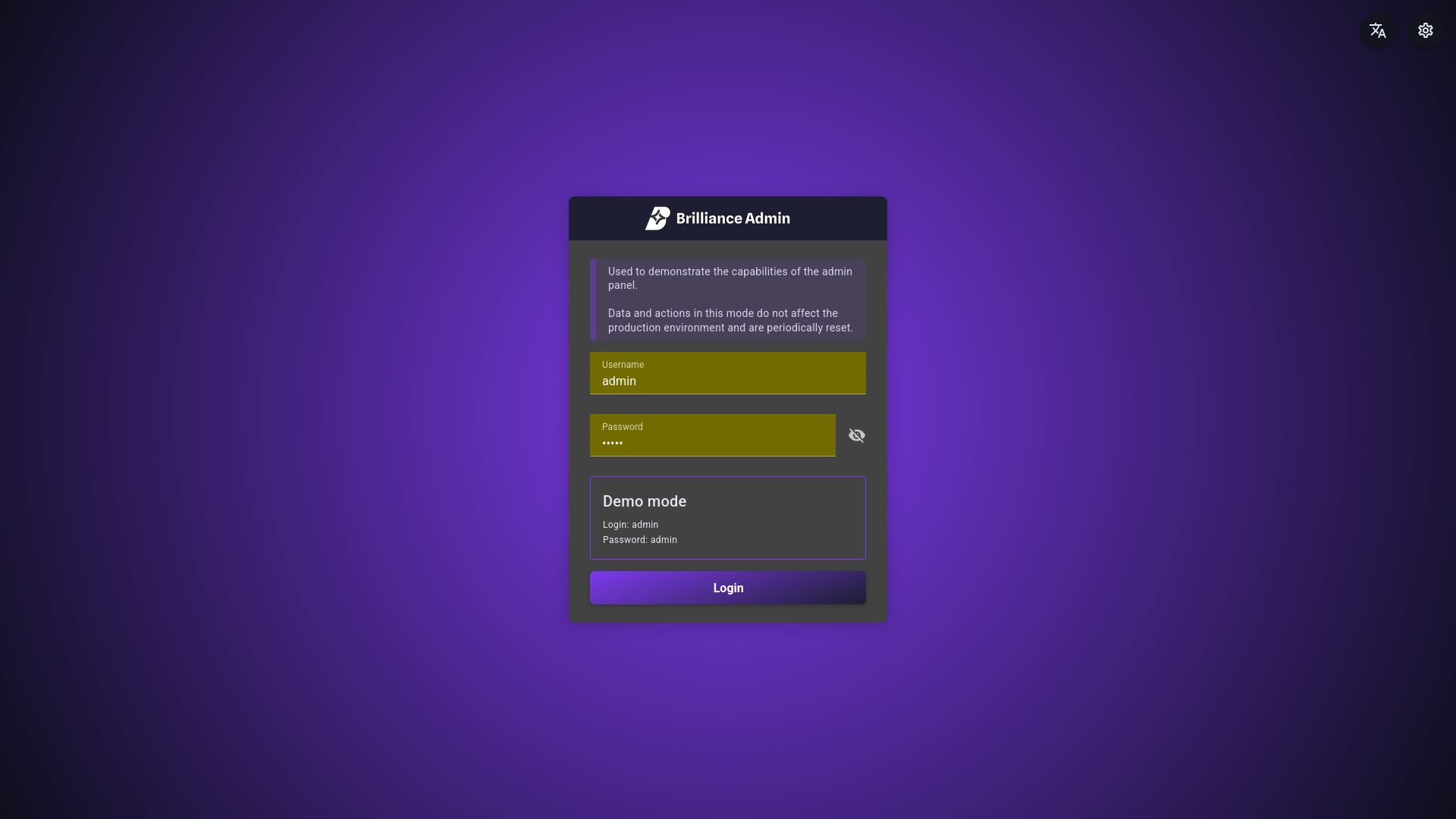
Brilliance Admin provides a built-in auth system. There are several ways to set up authentication:
- Implement your own authentication
- Use SQLAlchemy integration (see SQLAlchemy Authentication)
- Integrate OAuth (planned)
AdminAuthentication implementation
brilliance_admin.auth.AdminAuthentication
Brilliance Admin has a built-in login page. To make it work, you need to implement two methods:
login- validates credentials and returns a tokenauthenticate- validates the token from request headers and returns a user object
You can use any data source for authentication: database, external API, LDAP, etc. Pass the auth instance to AdminSchema.
Fake implementation example
from brilliance_admin.auth import AdminAuthentication, AuthData, AuthResult, UserABC, UserResult


class FakeAdminAuthentication(AdminAuthentication):
    async def login(self, data: AuthData) -> AuthResult:
        if data.username != 'admin' or data.password != 'admin':
            raise AdminAPIException(APIError(code='user_not_found'), status_code=401)

        return AuthResult(token='test', user=UserResult(username='test_admin'))

    async def authenticate(self, headers: dict) -> UserABC:
        return UserABC(username='test_admin')