Customization
All customization is done from Python code: how to display data and where to get it from.
If the desired customization is not available out of the box, you can modify the frontend and use your own version, but the goal is to cover all common use cases so that there will be no need for that.
TIP
If you have ideas on what should be covered, I'd be happy to hear them in an issue.
The frontend runs on a pre-built frontend - Repo Vue3 + Vuetify.
The project does not use templates, except for one that renders this frontend.
Custom themes
Built-in themes: blueLight, blueDark, greenLight, greenDark, deepPurpleLight, and deepPurpleDark. Users can switch themes in the settings. default_theme is used when no valid theme is saved in the browser.
Define themes in Python and pass them to AdminSchema:
from example.custom_themes import custom_themes

admin_schema = schema.AdminSchema(
    auth=auth,
    categories=[...],
    custom_themes=custom_themes,
    default_theme='aqua',
)
Each theme supports:
| Parameter | Description |
|---|---|
name | Unique theme name |
dark | Enable dark mode |
colors | Vuetify color palette |
css_url | Optional URL of an additional stylesheet |
custom_themes = [
    {
        'name': 'aqua',
        'dark': False,
        'colors': {
            'primary': '#0A82D8',
            'background': '#DCEFFC',
            'surface': '#FFFFFF',
            'on-surface': '#263F54',
        },
        'css_url': '/static/themes/aqua.css',
    },
]
Serve the CSS file through your backend's static files. Relative URLs are resolved against the backend URL. The stylesheet must use the same origin as the backend.
Scope styles to the theme name:
html[data-admin-theme='aqua'] .v-card {
    border-radius: 14px;
}
The stylesheet is connected when the theme is selected and removed when switching to a theme without css_url.
See the complete example: custom_themes.py and aqua.css.
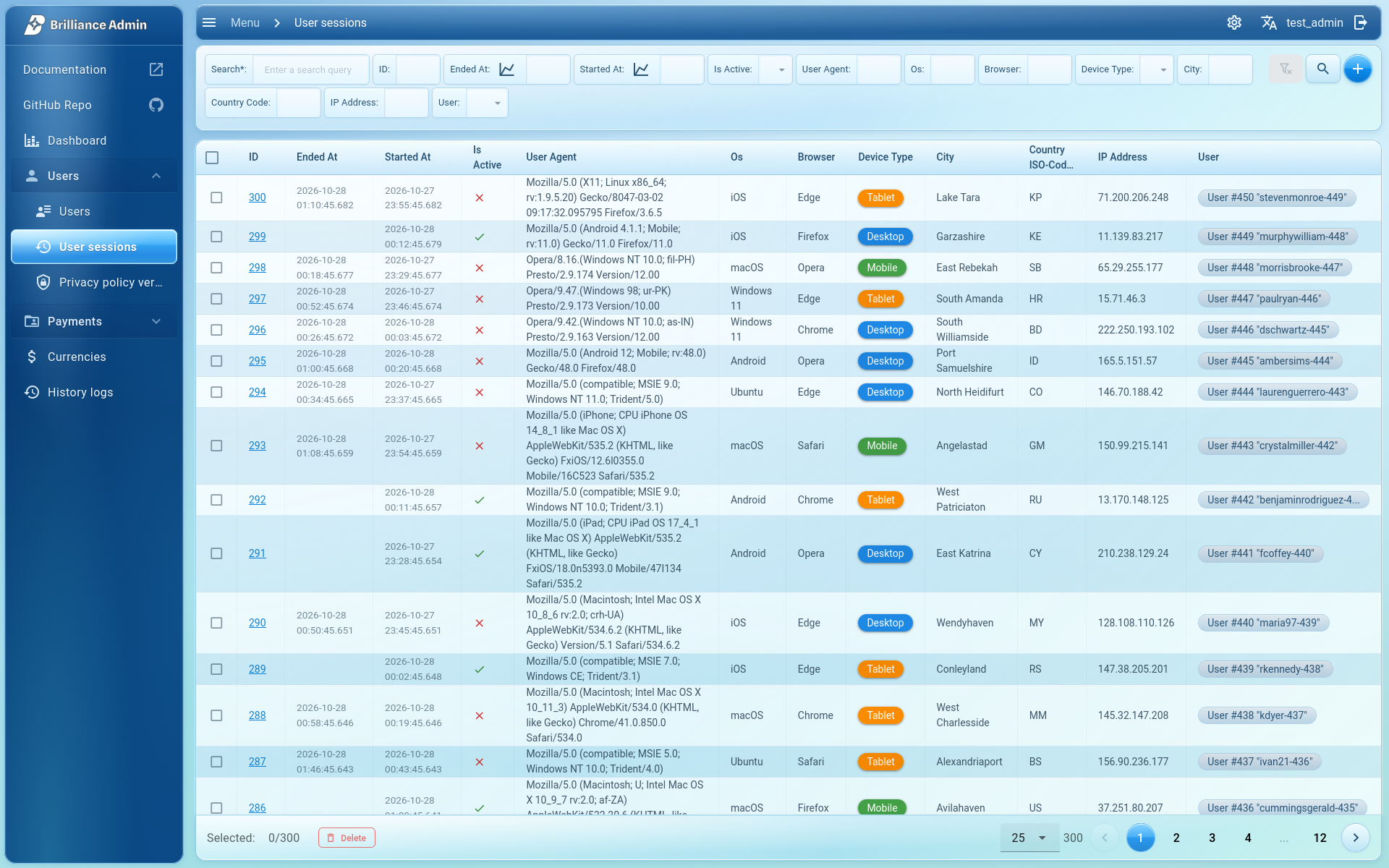
Colors
backgroundsurfacesurface-lighton-surfaceprimaryon-primarysecondaryon-secondarylight2light3darken1darken3darken4accenterrorinfosuccesswarning
Custom frontend
If the built-in customization options are not enough, you can fork and build your own frontend.
Clone the frontend repository, make your changes, build the project, and point Brilliance Admin to your custom static files using the static_prefix parameter in AdminSchema.
admin_schema = schema.AdminSchema(
    title='My Admin',
    auth=auth,
    categories=[...],
    static_prefix='https://cdn.example.com/admin-static/',
)