SQLAlchemyInlineField
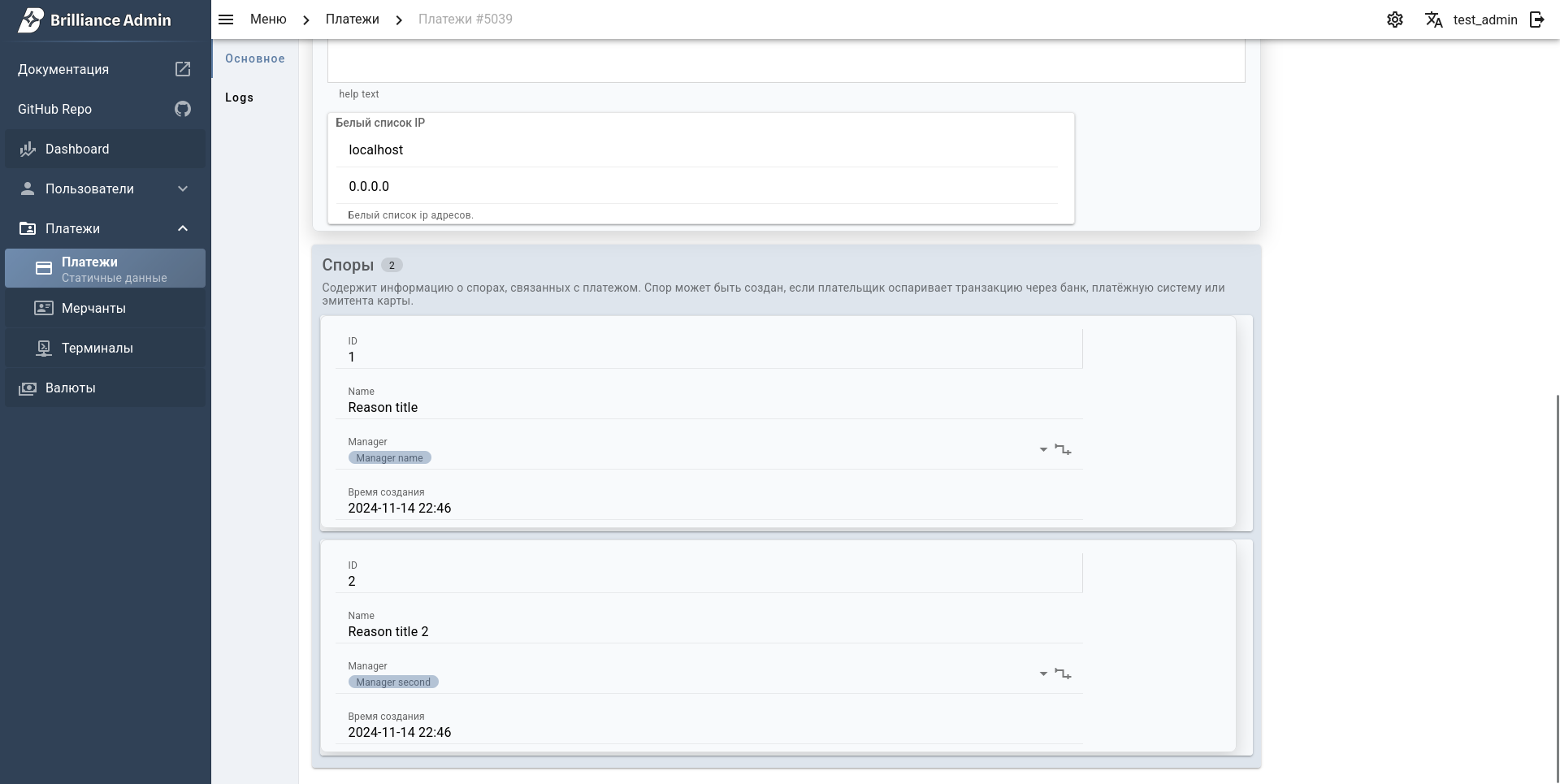
Use sqlalchemy.SQLAlchemyInlineField to edit child rows inside the parent form.
python
from brilliance_admin import sqlalchemy


class FeeFieldsSchema(sqlalchemy.SQLAlchemyFieldsSchema):
    model = Fee


class TerminalFieldsSchema(sqlalchemy.SQLAlchemyFieldsSchema):
    model = Terminal

    fees = sqlalchemy.SQLAlchemyInlineField(
        label='Fees',
        many=True,
        table_schema=FeeFieldsSchema(),
    )
How to add:
- Create a child
SQLAlchemyFieldsSchema. - Add
SQLAlchemyInlineField(..., many=True, table_schema=ChildSchema())to the parent schema. - Use the parent schema as
table_schemain your admin.
How to use:
- Inline rows are shown inside the parent create/update form.
- New rows are created together with the parent update/create request.
- Existing rows are updated by primary key.
- Removed rows are deleted on save.
- Nested inline is not supported.
Example in repo: terminal.py