Permissions
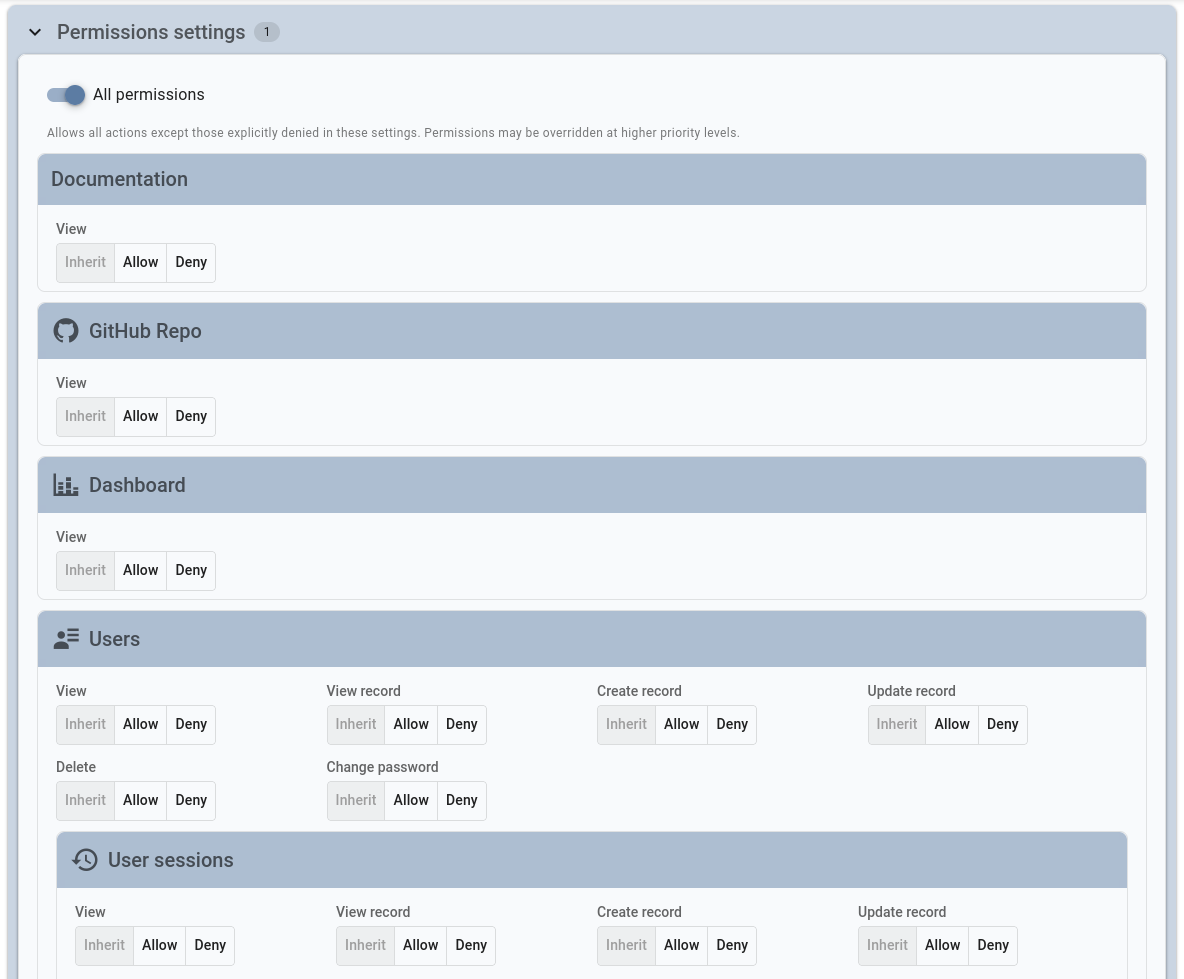
Permissions control access to sections and actions. They are checked when generating the admin schema and when handling API requests. Unavailable sections and actions are hidden; requests without permission return 403.
Configuration
Pass a permissions manager to AdminSchema:
python
from brilliance_admin.permissions.allow_all import AllowAllPermissionsManager

permissions_manager = AllowAllPermissionsManager()

admin_schema = AdminSchema(
    ...,
    permissions_manager=permissions_manager,
)
The default AllowAllPermissionsManager allows everything.
Checking permissions inside an action
Use the same manager instance that you passed to AdminSchema:
python
from brilliance_admin.schema.table.table_action import TableAction

permissions = await permissions_manager.get_permissions(user)

if permissions.has_action_permission(
    group='example',
    category='users',
    action_type=TableAction.UPDATE,
):
    # Perform the operation that requires update permission.
    ...
With AllowAllPermissionsManager, this check always returns True.
Custom manager
A custom manager implements:
python
async def get_permissions(
    self, user_or_group, for_schema_generation: bool,
) -> PermissionsContainer:
    ...
for_schema_generation=True means permissions are being loaded for the admin schema. The returned object is reused throughout schema generation.
PermissionsContainer provides:
python
def has_action_permission(
    self,
    # None for a root category outside a CategoryGroup.
    group: str | None,
    category: str,
    action_type: TableAction,
    subcategory: str | None = None,
    action_name: str | None = None,
) -> bool:
...| Action type | Permission |
|---|---|
LIST | View the section |
RETRIEVE | View a record |
CREATE | Create a record |
UPDATE | Update a record |
ADMIN_ACTION | Execute the action specified by action_name |